This page shows my personal config files (dotfiles) for Arch Linux. It has a custom Hyprland setup with a clear Cyan Color style.
Screenshots
Interface & Layout
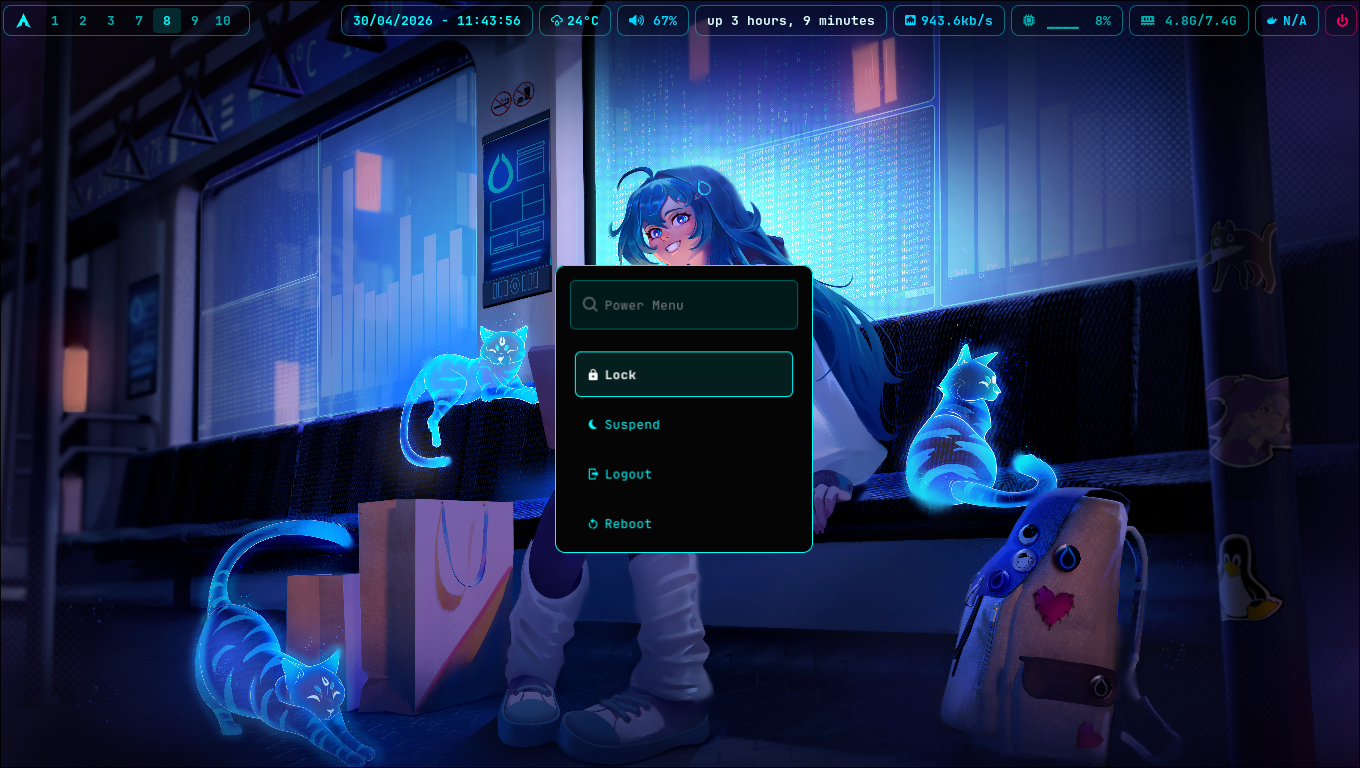
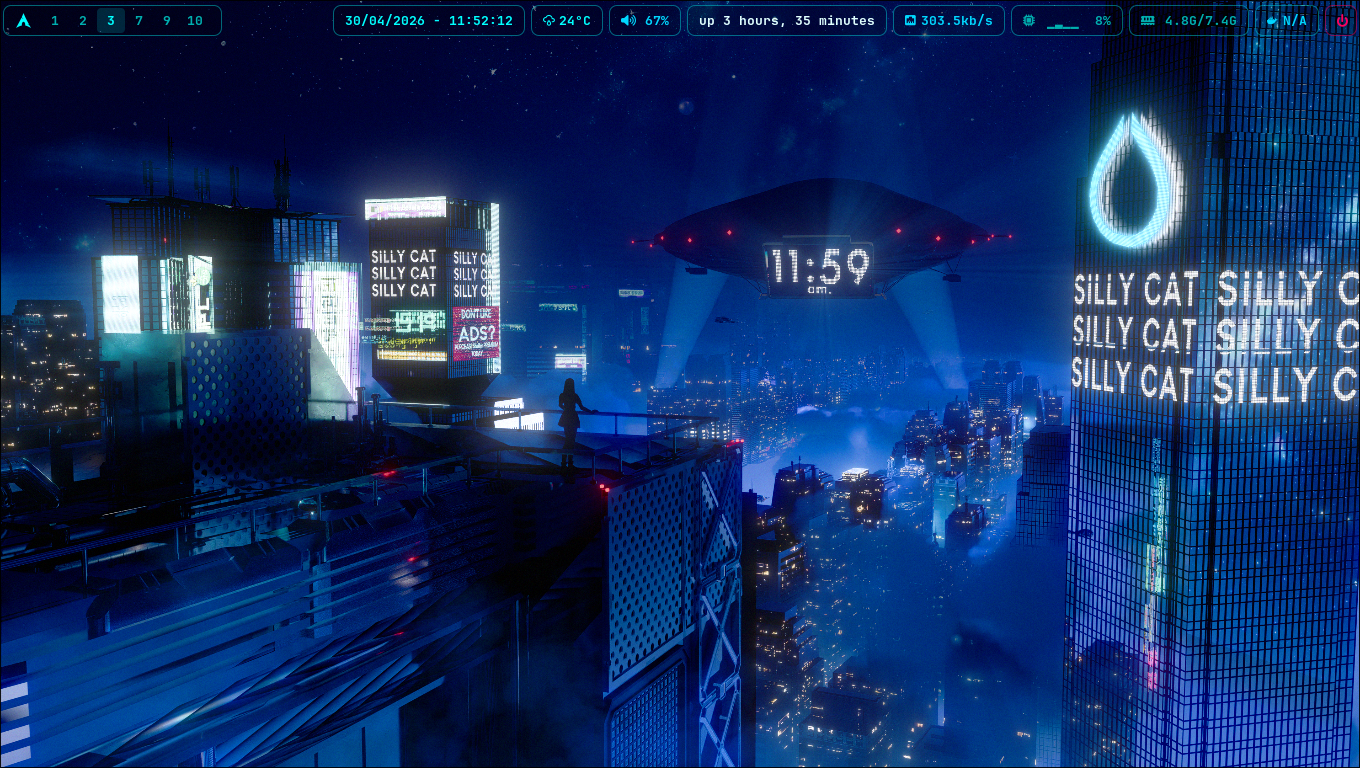
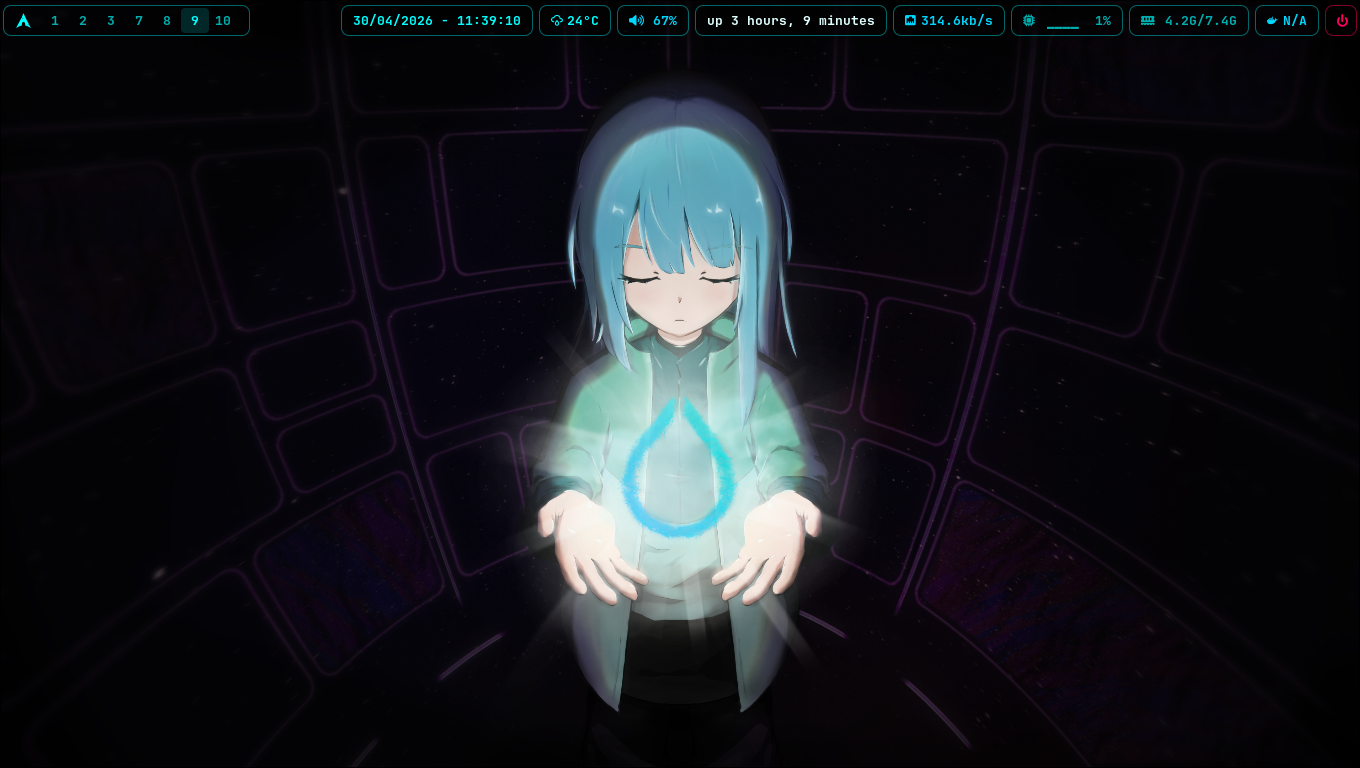

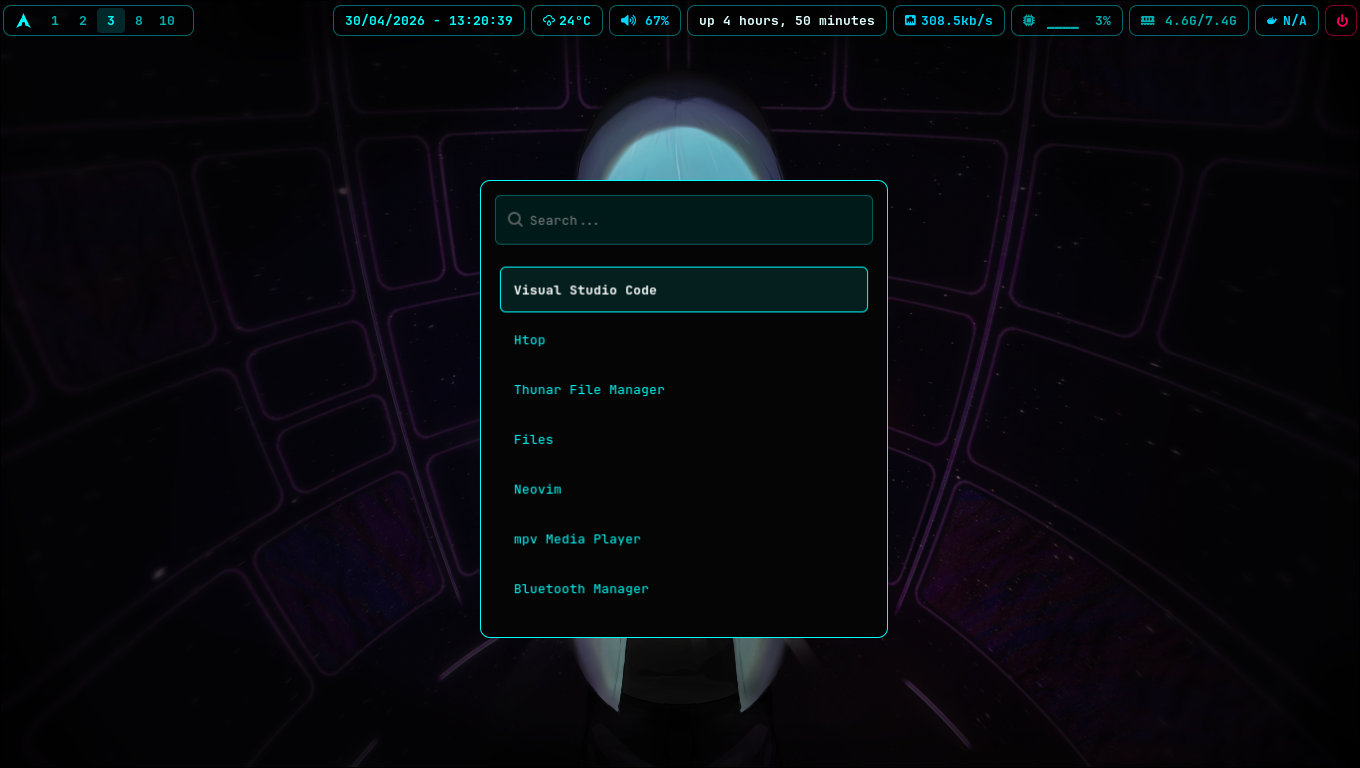
Apps Launcher & Menus (Wofi)
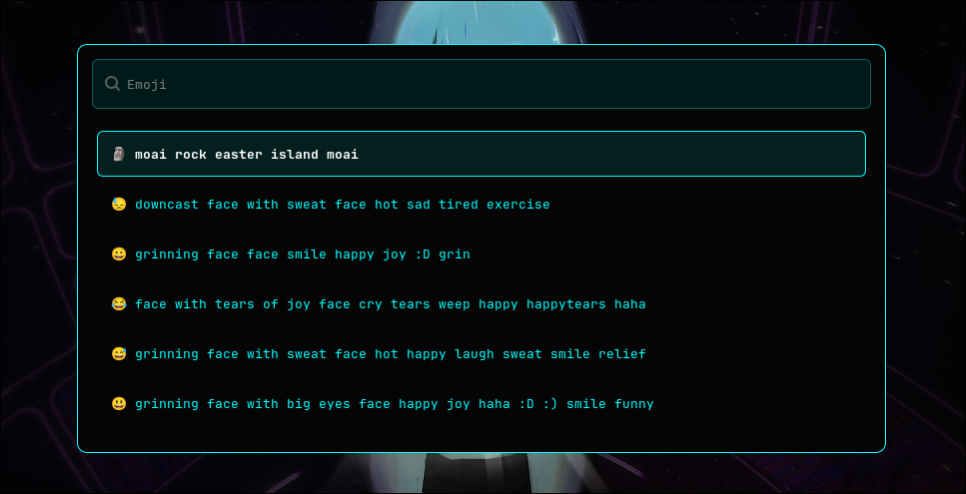
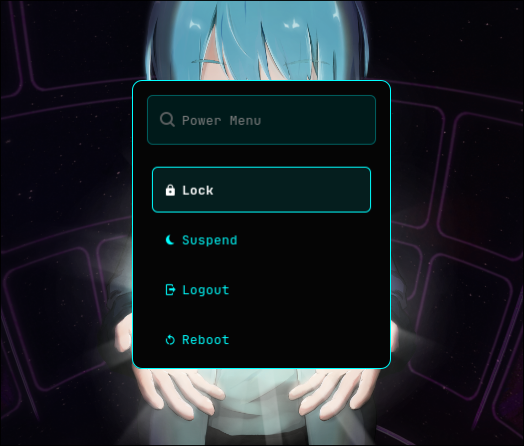
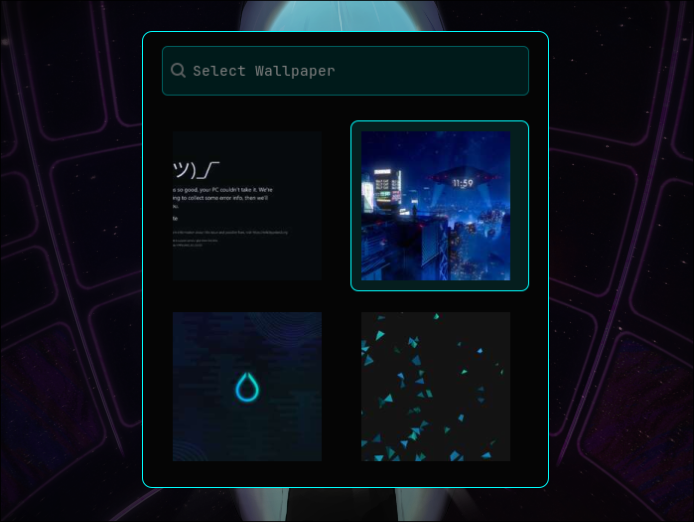
TUI & CLI Tools
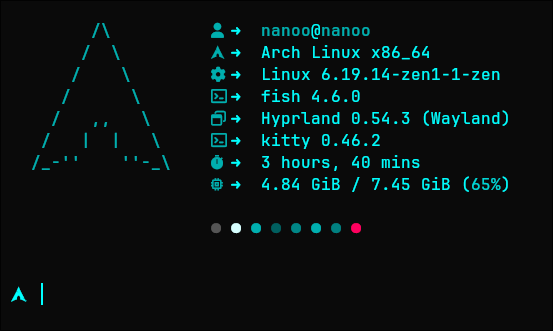
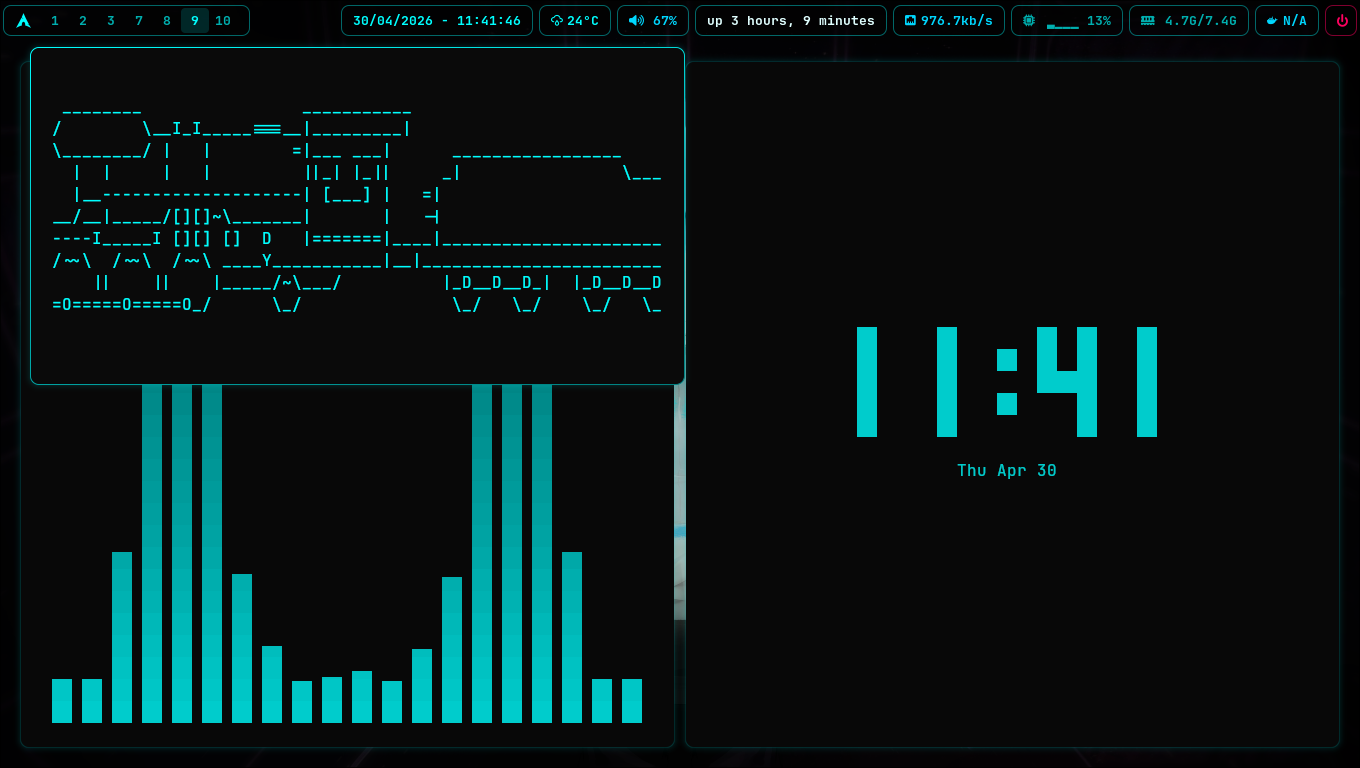
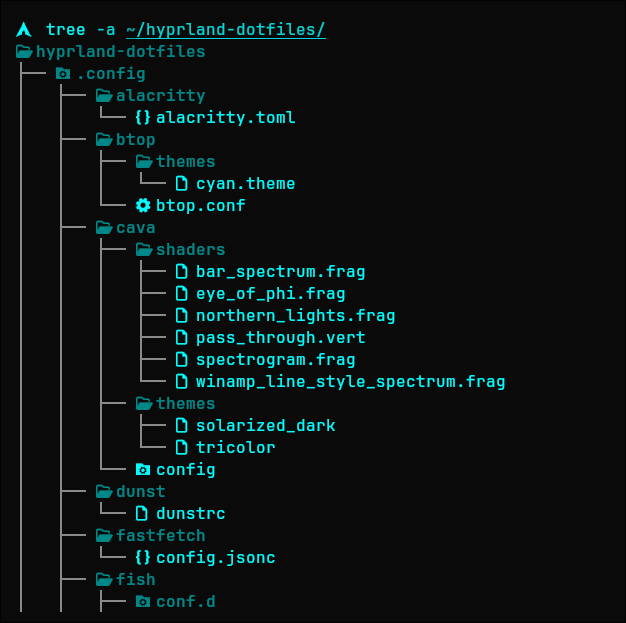
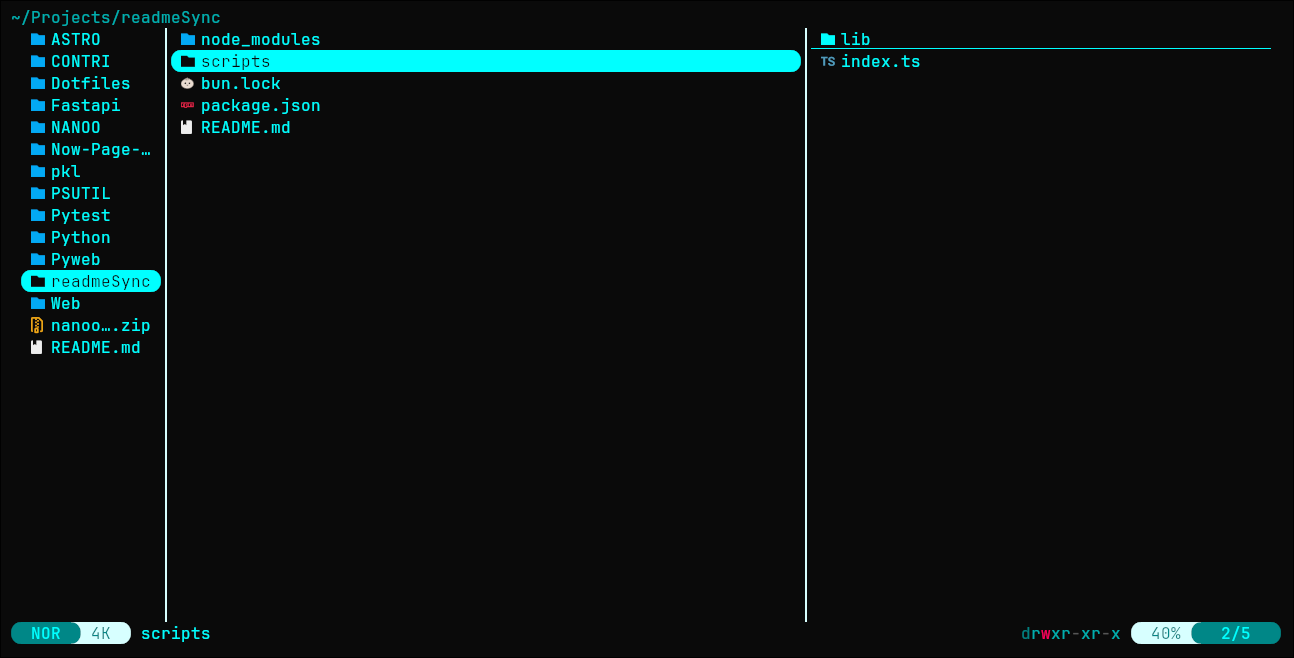
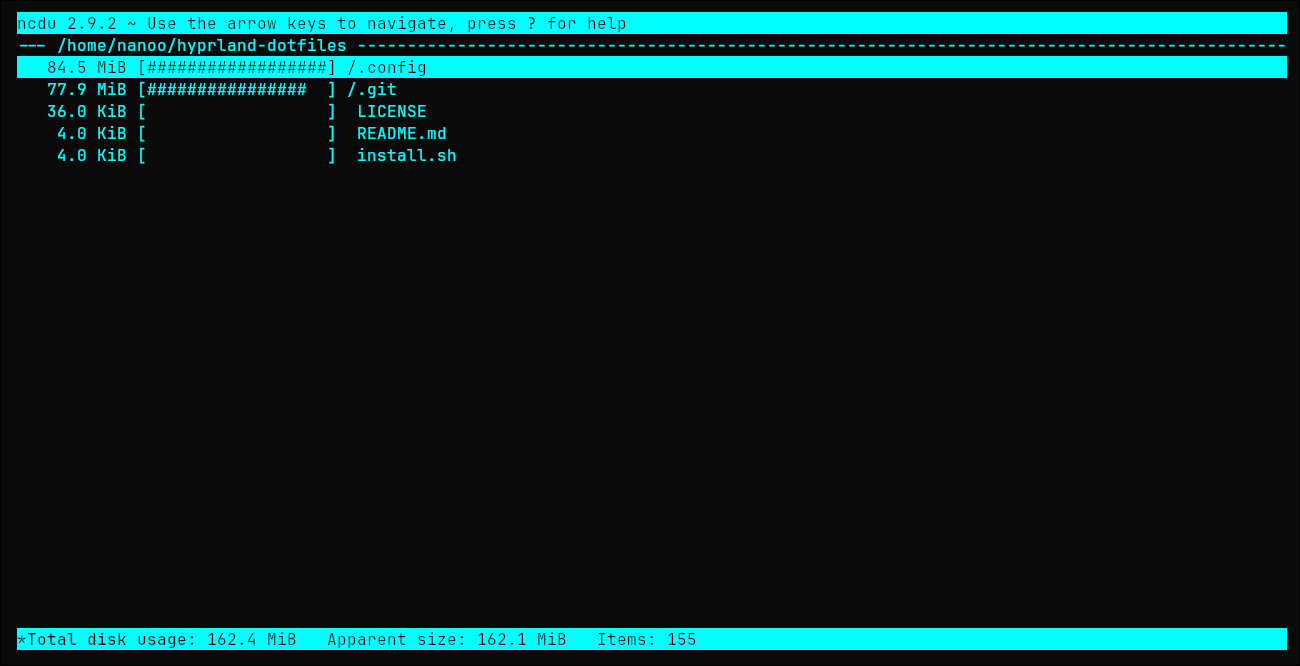
Project Overview
- Window Manager: Hyprland (It controls windows on Wayland)
- Shell: Fish Shell with Starship
- Editor: Neovim (with LazyVim config)
- Status Bar: Waybar
- Terminal: Kitty
- Theme: Custom Cyan theme (
#00ffff) for UI parts like borders and terminal colors. - License: GPL-3.0
Directory Structure
.config/
├── alacritty/
├── btop/
├── cava/
├── dunst/
├── fastfetch/
├── fish/
├── htop/
├── hypr/
│   ├── conf/
│   ├── hyprland.conf
│   ├── hyprlock.conf
│   └── hyprpaper.conf
├── kitty/
├── lazygit/
├── lsd/
├── nvim/
├── theme/
├── wallpapers/
├── waybar/
├── wofi/
└── yazi/
Key Programs
As defined in hypr/conf/programs.conf:
- Terminal: Kitty
- File Manager: Dolphin / Thunar
- Menu/Launcher: Wofi (Cyan-cyber theme)
- Browser: Firefox
- Editor: Neovim / VS Code
- Lock Screen: Hyprlock
- Logout/Power Menu: Wofi Power Menu
Keybindings
Here are the shortcuts in hypr/conf/keybindings.conf:
Apps & Menus
Super + Return/Q: Open TerminalSuper + B: Open BrowserSuper + E: Open File ManagerSuper + D: Open Wofi LauncherSuper + .: Emoji Selector (Wofi)Super + M: Power Menu (Wofi)Super + G: Volume Control (Pavucontrol)Super + Shift + W: Wallpaper Select (Wofi)Super + Shift + S: Screenshot (Grim/Slurp)Super + Shift + V: Open Neovim
Window Management
Super + Shift + Q: Close active windowSuper + V: Toggle floatingSuper + P: Pseudo TilingSuper + J: Toggle SplitSuper + Arrow Keys: Move focus
Workspaces
Super + 1-10: Switch workspacesSuper + Shift + 1-10: Move window to workspaceSuper + Scroll: Switch workspaces
System (Media Keys)
Vol Up/Down/Mute: Audio ControlBrightness Up/Down: Screen BrightnessMedia Play/Pause/Next/Prev: Player Control
Usage
Put these files in ~/.config/.
- To use changes in Hyprland, reload it (use
hyprctl reloador save the file). - To reload Waybar, use
waybar/reload.shscript.
Credits
This setup uses work from the open-source community. Special thanks to:
- elifouts (Dotfiles): For the nice Wofi configs, Powermenu, and Hyprlock setup.
- dln (wofi-emoji): For the emoji selector script logic in
emoji.sh. - Aditya Shakya (adi1090x): For ideas for Rofi/Wofi themes.
- Muhammad Diaz (MDiaznf23): For some config in
simple-autoricing-i3wm-dotfiles. - LazyVim: For the modern and strong Neovim config framework.
- Shivam Salkar (minimal-waybar-config): For the clean and small Waybar config that is the base for the status bar.
- Mahaveer Gurjar (Hyprlock-Dots): For the many Hyprlock layouts and scripts.
- Hyprland Community: For the great Wayland compositor.
- Arch Linux: For being the start of this ricing journey.